How to Export Your Mira Data and Where It Can Go
Mira will give you a Doctor's Report PDF, and its listing and help center don't state an Apple Health or CSV export. This guide covers what you can export, what the PDF is for, and how to bring your Mira readings into Veya from a chart screenshot.
Quick Answer: Can You Export Your Mira Data?
Yes, as a PDF. Mira's Doctor's Report includes your cycle information, hormonal data and symptoms, and it needs at least three months of testing with the Mira monitor.[2] Mira's App Store listing and help center don't state an Apple Health or CSV export.[1][3]
If you want the readings in another app, a screenshot of your Mira chart is the route that works today. Veya's web app can read one and save the readings to your hormone history.
Educational content about how these tools work, not medical advice. For questions about your own results, please consult your doctor. We make Veya, an app mentioned in this guide, and we think Mira's monitor is a good product. It does the measuring, and this guide is about where the numbers can go afterwards.
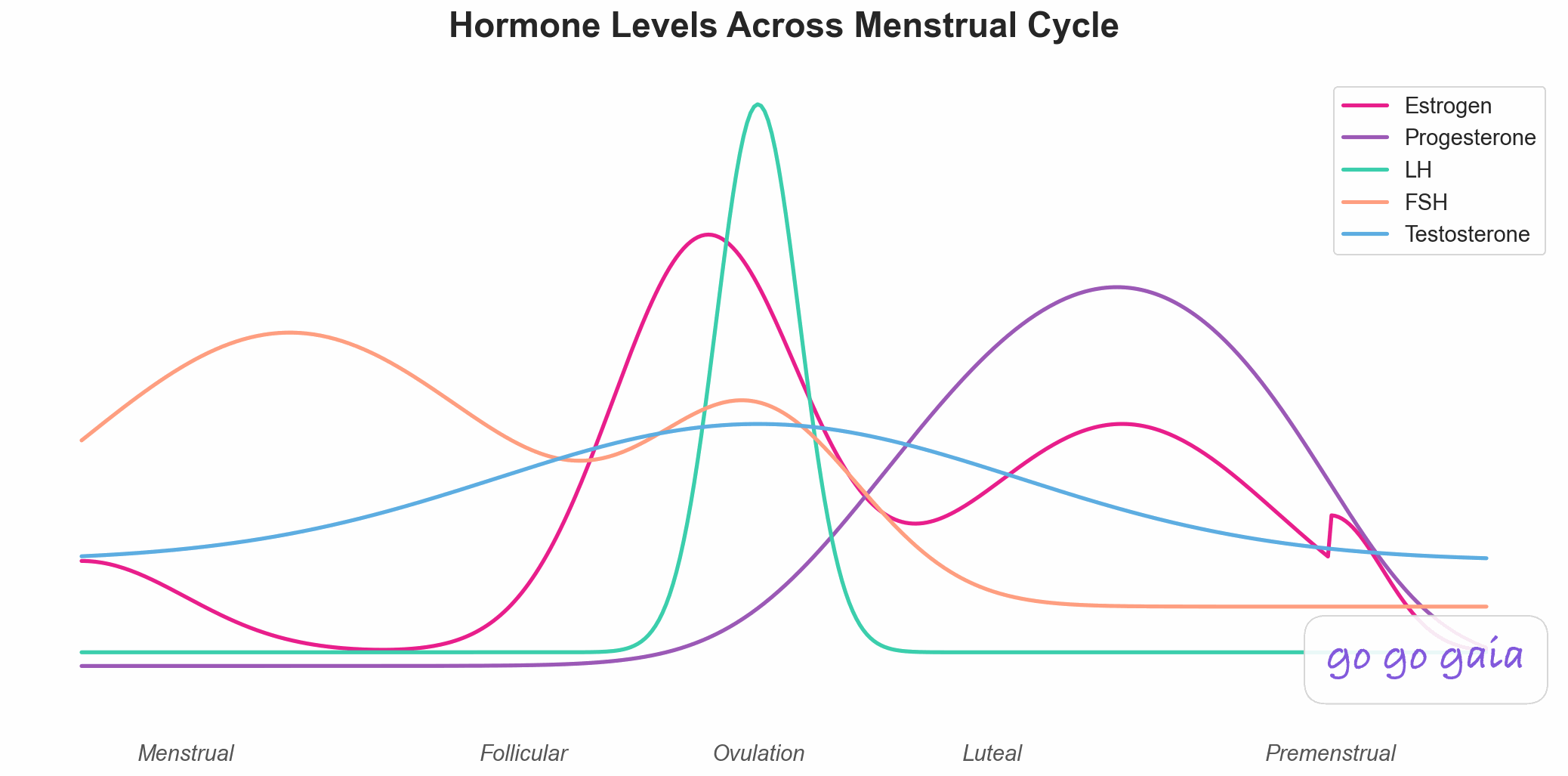
Months of monitor readings add up to a record worth keeping.
What can you export from the Mira app today?
The Mira app can make a Doctor's Report, a PDF with your cycle information, hormonal data and symptoms. You can open it in the app or download it to share, and Mira says you need at least three months of testing with the Mira monitor first.[2]
To make one, Mira's help center says to tap your name at the top left, choose "Reports and connections" and then "Generate Report", pick a time frame, and open the PDF in the app or download it. You can also scroll to the bottom of the Chart page and tap "Generate Report".[2] That second route is the closest thing to exporting from the chart screen.
We looked for more. Mira's App Store listing doesn't mention Apple Health, HealthKit or a CSV file, and the help center pages we could read don't state an Apple Health or CSV export either.[1][3] That isn't proof that Mira never will, just that it doesn't say so today. Mira's release notes do mention an Oura Ring integration, but they don't describe it as a way to send your readings out.[1]
What is the Mira Doctor's Report PDF good for, and what isn't it?
Mira's Doctor's Report is built for sharing with your provider. It puts your cycle information, hormone data and symptoms on a page a provider can read, which suits an appointment.[2] It isn't built for moving numbers into another app, because a PDF is a document to look at rather than a table another tool can load.
That matters if you want to compare your hormone readings with sleep, symptoms or wearable data. Apps that take a CSV or a health-data feed can't read a PDF report as rows of values, and Veya doesn't read PDF exports either. Mira's help center doesn't state which units the report uses, so we won't guess at them.[2]
One more reason to look at the three-month rule: if you started with Mira recently, the report may not be available yet. A screenshot import has no three-month minimum, so a single cycle works. Our guide to Mira and Apple Health covers why Apple Health can't hold these numbers either.[4][5]
How do you get your Mira readings into Veya?
Screenshot your Mira chart, then upload it in the Veya web app. You pick "Mira chart screenshot" as the source, Veya reads the values and shows your screenshot beside them, and you save the readings to your hormone history once they look right.
- Open app.myveya.com/import and sign in.
- Pick "Mira chart screenshot" from the list of import types.
- Choose your screenshot, or drag it into the box.
- On the review screen, check each reading against your screenshot. You can edit a value, change a day or swap two series.
- Save. The readings go into your hormone history.
Veya reads LH, E3G and PdG for each cycle day, plus FSH where your chart shows it. Nothing is saved until you confirm, so the review step is your chance to fix a slipped decimal or a day that landed in the wrong place. The full walk-through is in our step-by-step import guide. If you want to know what each hormone is, our encyclopedia has pages on the LH surge, E3G and PdG.
This is an image import, and it doesn't go through Apple Health. The iPhone app gets the same import in an upcoming update, and until then the web app is where it lives. Veya's iPhone app does read Apple Health wearable data and Apple Health ovulation test results, and you can log an LH result by hand.[4] Once your readings are saved, Veya shows them beside your sleep, cycle and symptoms over time.
Which Mira screen should you screenshot?
Screenshot the chart view, with the hormone lines and the dates visible. Take one cycle at a time, and include the numbers if your chart shows them. A clear image means fewer edits on the review screen.
If a cycle runs past one screen, take two screenshots and import them one after the other. Crop out your name, email or account details before you upload. Menu names can change between versions of the Mira app, so we describe the screen rather than the path to it. If you're not sure you have the right one, the chart is the screen where your readings are plotted against dates.
Veya can't read PDF exports yet, so the Doctor's Report isn't an input. It also doesn't read Oova, Premom, Proov or Clearblue charts yet. For how the monitors differ, see Mira vs Inito vs Premom. Using Inito instead? Does Inito export your data? covers its PDF chart, and what each at-home hormone test measures explains the hormones themselves.
What stays in the Mira app after you move your readings?
Everything in your Mira account stays in Mira, including your chart and your reports. A screenshot import copies the readings you can see and changes nothing in the Mira app.
What Veya gets is a copy of your readings. Think of Mira as the thing that measures, and your Veya history as the long view where those readings sit next to everything else you track. You can keep testing with Mira and import a new cycle whenever you like. Veya shows you the record, and it doesn't tell you what a reading means.
Frequently Asked Questions
Educational information based on published sources and the listings cited below, checked October 18, 2026. Not medical advice.
Can you export your Mira data to Apple Health?
Mira's App Store listing and help center don't state an Apple Health integration, so we can't point you to one. Apple Health also has no data type for an LH, E3G or PdG number, so it couldn't hold the readings themselves.
Does Mira have a CSV export?
Mira's help center and App Store listing don't state a CSV export, as of October 18, 2026. The export we could confirm is the Doctor's Report PDF, which needs at least three months of testing with the Mira monitor.
Can you get your Mira readings into Veya without retyping them?
Yes. In the Veya web app you pick "Mira chart screenshot", upload a screenshot of your Mira chart, check the readings beside your screenshot, and save them to your hormone history. It reads an image, so there's no export file involved, and the iPhone app gets the same import in an upcoming update.
Will moving your readings to Veya delete anything from Mira?
No. A screenshot doesn't change anything in the Mira app, so your chart, reports and history stay there. Veya keeps its own copy of the readings you save, next to your sleep, cycle and symptoms.
References
How we checked: we read each page below on October 18, 2026 and wrote down only what it states. Where a page was silent, we say so in the text.
- Mira. Mira Fertility & Cycle Tracker. App Store listing, release notes for version 3.5.15.2. Fetched 2026-10-18. apps.apple.com/app/id1434970941
- Mira. How to generate a Doctor's Report. Mira Help Center. Fetched 2026-10-18. help.miracare.com/en-US/how-to-generate-a-doctors-report-848129
- Mira. Mira app, general information and data articles. Mira Help Center. No Apple Health or CSV export stated on the pages we could read. Fetched 2026-10-18. help.miracare.com/en-US/articles/mira-app-198383
- Apple Developer Documentation. HKCategoryTypeIdentifier.ovulationTestResult. HealthKit. developer.apple.com/documentation/healthkit/hkcategorytypeidentifier/ovulationtestresult
- Apple Developer Documentation. HKCategoryValueOvulationTestResult. HealthKit. developer.apple.com/documentation/healthkit/hkcategoryvalueovulationtestresult
Related Reading
How to Import Your Mira or Inito Readings Into Veya
Screenshot your chart, upload it in the web app, check the readings and save them.
Does Mira Sync With Apple Health? Here's How to Get Your Hormone Readings Next to Your Wearable Data
What Apple Health can and can't hold from a hormone monitor.
Does Inito Sync With Apple Health? Here's What Transfers and What Doesn't
The same walk-through for Inito.
Mira vs Inito vs Premom
How the three differ.