Does Mira Sync With Apple Health? Here's How to Get Your Hormone Readings Next to Your Wearable Data
Mira's App Store listing mentions an Oura Ring integration but doesn't mention Apple Health, and Apple Health has no place to store Mira's LH, E3G or PdG numbers anyway. This guide covers what Mira lists today, what Apple Health can actually hold, and four practical ways to keep your Mira readings next to your Apple Health and Oura data.
Quick Answer: Does Mira Sync With Apple Health?
As of October 14, 2026, Mira doesn't list an Apple Health integration. Its App Store listing mentions an Oura Ring integration (added in version 3.5.15.2) but says nothing about Apple Health or HealthKit.[1]
Even if a sync existed, Apple Health has no data types for LH, E3G or PdG values. The closest thing is an "Ovulation Test Result" category that holds a negative, LH surge, estrogen surge or indeterminate result, not the number.[4][5] To see whether your version of Mira writes anything, check the Apps list in the Health app on your iPhone.[6]
Educational content about how these tools work, not medical advice. For questions about your own results, please consult your doctor. We make Veya, an app mentioned in this guide, and we've tried to be fair to both monitors, which we think are good products.
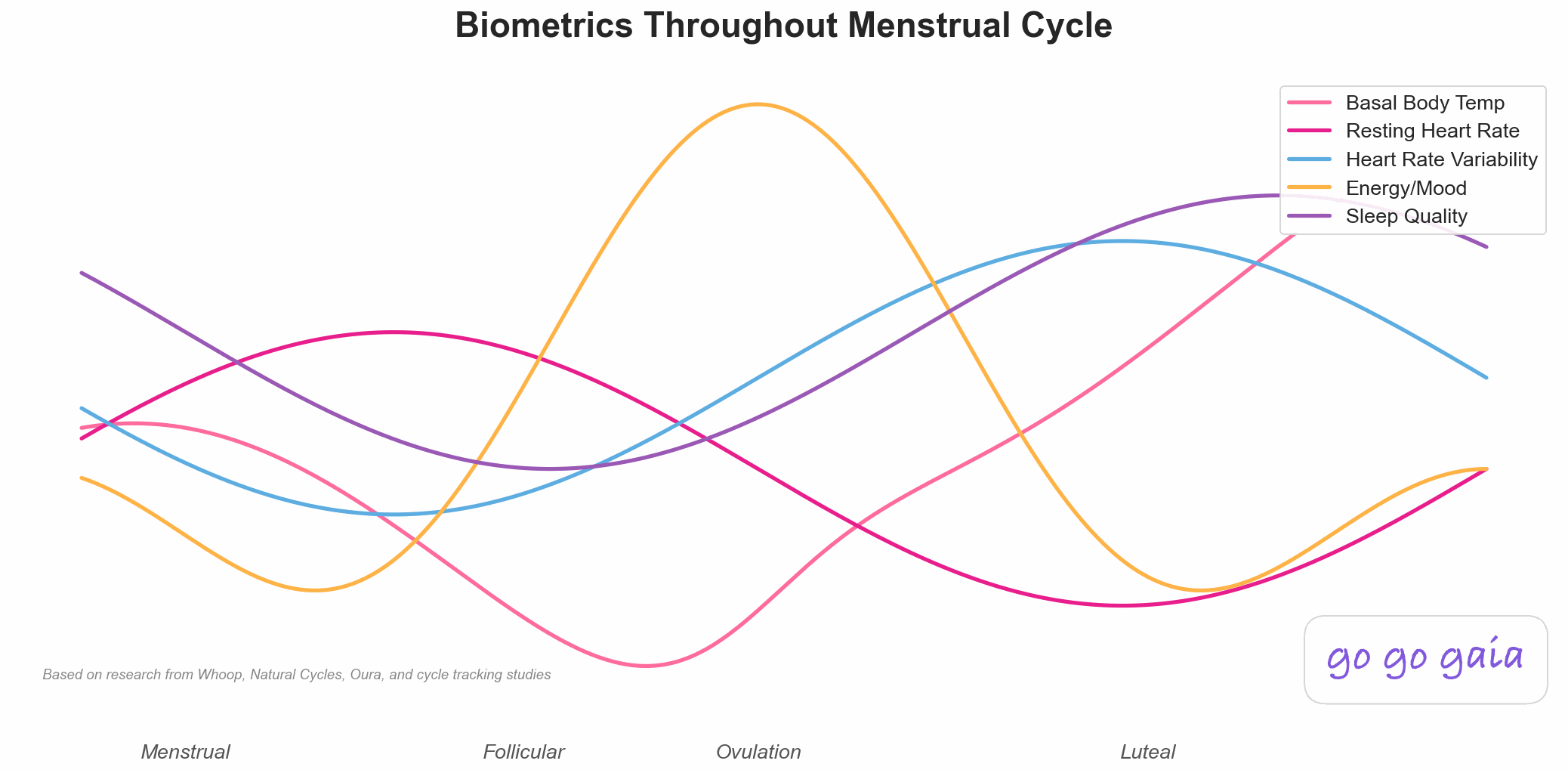
Wearable signals like temperature and HRV already live in Apple Health. Hormone readings from a monitor usually don't.
What does Mira actually list for Apple Health and Oura?
We checked Mira's App Store listing, its shop page and its help center. The listing's release notes for version 3.5.15.2 introduce an Oura Ring integration and say you can track your temperature trends, Sleep Score and Readiness Score in the Mira app.[1] That reads like Oura data flowing into Mira, so Oura is the one wearable Mira names.
We didn't find any official Apple Health or HealthKit wording on the listing or on miracare.com.[1][2] Mira's older Zendesk help center is closed, and the help articles we read on its current help center don't mention Apple Health either.[3] That's not proof Mira never writes to Apple Health. It means neither the listing nor the site says it does, so we won't claim it does.
Mira's wands cover different hormones depending on the kit. Ultra4 wands test LH, E3G, PdG and FSH. Max wands test LH, E3G and PdG. Plus wands test LH and E3G. There are also FSH-only (Ovum) and PdG-only (Confirm) wands.[2] It's a genuinely useful setup if you want numbers instead of lines, and we cover how the hormones differ in what each at-home hormone test measures.
What can Apple Health hold from a hormone monitor?
Apple Health stores data in fixed types. For ovulation tests, HealthKit has one category called Ovulation Test Result, with values for negative, LH surge, estrogen surge and indeterminate.[4][5] Apple also has a separate Progesterone Test Result category, with values for positive, negative and indeterminate.[7] Both are result categories. There's no field for a concentration.
| Signal | What Mira records | What Apple Health can hold | What could transfer |
|---|---|---|---|
| LH | A concentration on Plus, Max and Ultra4 wands[2] | A surge or no-surge result[5] | At most the result, not the number |
| E3G (estrogen) | A concentration on Plus, Max and Ultra4 wands[2] | An "estrogen surge" result value[5] | At most a surge flag |
| PdG | A concentration on Max, Ultra4 and Confirm wands[2] | A positive or negative progesterone test result[7] | At most the result, not the number |
| FSH | A concentration on Ultra4 and Ovum wands[2] | No FSH value type that we could find[4] | Nothing |
| Oura temperature, sleep, readiness | Shown in the Mira app via the Oura integration[1] | Temperature and sleep are Apple Health types | Depends on your Oura settings |
Even a perfect Mira to Apple Health sync could carry a surge flag, not your E3G or PdG curve. If you want the curve next to your other data, you'll need another route.
How do you keep your Mira readings next to your Apple Health and Oura data?
None of these is a perfect sync. Each one gets you part of the way, and you can mix them.
1. Use Mira's Oura integration
If you wear an Oura ring, the listing says you can see temperature trends, Sleep Score and Readiness Score inside the Mira app.[1] That puts your hormone chart and your Oura trends on one screen, which is the closest Mira gets to a built-in combined view. For how Oura's own cycle features work, see Oura cycle insights explained.
2. Export a report or save screenshots
Mira's help center describes a Doctor's Report: tap your name, open "Reports and connections" (or scroll to the bottom of your chart) and tap "Generate Report" to get a PDF you can download or share. Mira says the report needs at least three months of testing with the monitor.[3] A dated screenshot of each cycle's chart also works as a simple record.
3. Log the surge result in an app that writes to Apple Health
Since Apple Health can hold a surge or no-surge result, you can log the result of each test day in an app that reads and writes the Ovulation Test Result category.[4] You keep the numbers in Mira and the yes/no in Apple Health. It's a manual step, but it puts the timing of your LH surge on the same timeline as your wearable data.
4. Use an app that reads Apple Health and lets you log LH
This is where Veya fits. It reads sleep, HRV, wrist temperature and cycle data from Apple Health, along with the Ovulation Test Result category, so whatever your wearable and other apps write there shows up on one timeline. You can log a strip result or a urine LH number in mIU/mL yourself, and upload lab results as a PDF or photo. Our health patterns page shows how those signals line up across a cycle, and apps that pull wearable, lab and cycle data together compares other options.
Veya can't import Mira's hormone charts today. Its E3G and PdG fields take the creatinine-adjusted urine unit (µg/g Cr) that lab urine panels report, which isn't how Mira shows its numbers, so there's no place to log Mira's E3G or PdG readings. Reading monitor screenshots is something we're working on. If you've also tracked periods in another cycle app, Veya can read period dates from a screenshot of that app's calendar, and Mira is one of the sources you can pick.
How can you check whether your version of Mira writes to Apple Health?
Open the Health app on your iPhone, tap your profile picture, and look under Privacy for Apps. Apple says that list shows every app that has requested access to your Health data, and you can see what each one reads or writes.[6] If Mira appears there, tap it to see which categories it's allowed to use. If it doesn't appear, it isn't connected.
Check again after app updates, since listings change. This post reflects what was public on October 14, 2026. If you're choosing a tracker around a monitor, our ovulation tracker app comparison and fertility tracking app comparison cover where each app sits. Using Inito instead? We wrote the same walk-through in Does Inito sync with Apple Health?
Frequently Asked Questions
Educational information based on published sources and the listings cited below, checked October 14, 2026. Not medical advice.
Does Mira sync with Apple Health?
As of October 14, 2026, Mira doesn't list an Apple Health integration in its App Store listing or on miracare.com. You can check your own version in the Health app under your profile picture, then Privacy, then Apps. If Mira isn't listed there, it isn't connected.
Does Mira work with Oura?
Mira's App Store listing says version 3.5.15.2 added an Oura Ring integration, so you can track temperature trends, Sleep Score and Readiness Score in the Mira app.
Can you export your Mira data?
Mira's help center describes a Doctor's Report, a PDF you can generate from "Reports and connections" or the bottom of your chart and then download or share. Mira says it needs at least three months of testing with the monitor. Screenshots of each cycle's chart are a simple backup.
Can Apple Health store LH, E3G or PdG numbers from Mira?
Apple Health has no data types for LH, E3G or PdG values. It has an Ovulation Test Result category that holds a negative, LH surge, estrogen surge or indeterminate result, so at most a surge flag could be stored, not the number. A separate Progesterone Test Result category holds only a positive, negative or indeterminate result.
How do you see Mira readings next to Apple Watch or Oura data?
There's no automatic route that either company lists. Options include the Mira Oura integration, saving Mira reports or screenshots by cycle, and logging each surge result in an app that reads Apple Health so it lines up with your wearable data. Veya, which we make, reads Apple Health wearable data and lets you log LH results, but it doesn't import Mira charts.
Is it a problem if Mira doesn't sync with Apple Health?
Not for how the monitor works. Mira's readings stay in the Mira app either way. The gap only matters if you want those readings on the same timeline as your sleep or temperature data from other devices.
References
- Mira. Mira app. App Store listing, release notes for version 3.5.15.2. Checked Oct 14, 2026. apps.apple.com/app/id1434970941
- Mira. Mira shop, wand types and hormones tested. Checked Oct 14, 2026. shop.miracare.com/
- Mira. How to generate a Doctor's Report. Mira Help Center. Checked Oct 14, 2026. help.miracare.com/en-US/how-to-generate-a-doctors-report-848129
- Apple Developer Documentation. HKCategoryTypeIdentifier.ovulationTestResult. HealthKit. developer.apple.com/documentation/healthkit/hkcategorytypeidentifier/ovulationtestresult
- Apple Developer Documentation. HKCategoryValueOvulationTestResult. HealthKit. developer.apple.com/documentation/healthkit/hkcategoryvalueovulationtestresult
- Apple Support. Share your data in Health on iPhone. iPhone User Guide. support.apple.com/guide/iphone/share-your-health-data-iph5ede58c3d/ios
- Apple Developer Documentation. HKCategoryTypeIdentifier.progesteroneTestResult. HealthKit. developer.apple.com/documentation/healthkit/hkcategorytypeidentifier/progesteronetestresult
Related Reading
Does Inito Sync With Apple Health? Here's What Transfers and What Doesn't
The same walk-through for Inito: what it lists, what Apple Health can hold, and your options.
LH Strips, BBT, Wearable Temp: What Each Measures
What strips, thermometers, wearables and lab panels each detect.
Best Ovulation Tracker App 2026: 6 Apps Compared for Finding Your Fertile Window
How ovulation tracker apps compare, plus a note on hardware monitors.
Apps That Pull Wearables, Labs & Cycle Data Together (2026)
Which apps read wearable, lab and cycle data side by side.