Share your cycle with your partner, on your terms
Your partner asks how you're feeling and "fine" doesn't quite cover it. Veya lets you invite them with a code, pick which parts of your tracking they can see, and end the connection whenever you want.
Download VeyaNot on iPhone? Use the web app in any browser.

On a computer?
Scan to download on your phone.
Built for sharing on your terms
Invite with a code
Generate a code in Veya and send it to your partner. They enter it to join as your partner. The code doesn't expire, so share it when you're ready and keep it between the two of you.
You choose what they see
Share one category at a time or share everything. Categories include cycle records, sleep, mood, workouts, meals, conditions, appointments, and treatments. Your partner only sees the categories you've shared.
What your partner sees
If you share cycle records, they see your current cycle day and your average cycle and period length, with a few ideas for how to support you. Other sections show up only if you've shared them and there's something to show.
What stays private
Anything you haven't shared stays private. A section with nothing to show doesn't appear at all, so your partner never sees locked or empty boxes.
Disconnect any time
Disconnect from the partner card and the partner connection ends, so sharing with them stops. You stay friends in Veya and only the partner connection goes away.
Sharing can go both ways
Your partner can share back from their dashboard, and each of you decides what to share.
See how it all connects
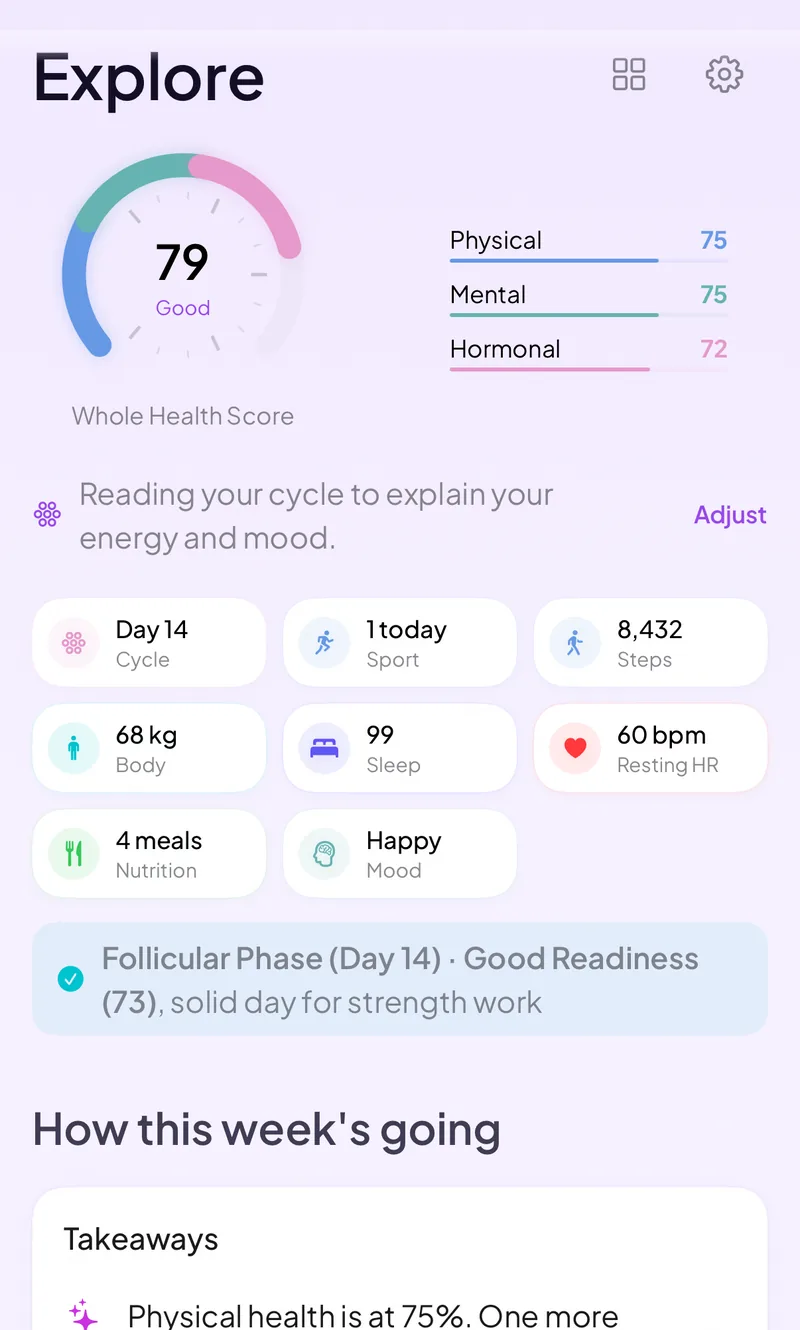
The partner view draws on the tracking you already do: cycle, sleep, mood, workouts, and meals. Veya connects those and shows you the pattern first, so you know what you're looking at before you decide how much of it your partner sees. Sleep can come from your wearable, so you don't have to type it in. On iPhone, Apple Watch, Oura, WHOOP and Garmin data arrives through Apple Health. In the web app, Oura and Withings connect directly.
What you can log
Private by default
Partner sharing is opt-in. Nothing is shared until you invite your partner and grant access to a category. Sharing everything includes sensitive data like mood, conditions, and lab results, so picking categories one at a time keeps more private. Veya doesn't run ads or sell your data, and you can export or delete what you've logged at any time.
Frequently asked questions
Comparing apps? See how partner sharing works across cycle apps.
Invite your partner when you're ready
Generate a code, send it over, and decide what they see.
Download VeyaNot on iPhone? Use the web app in any browser.
Tracking for other conditions
PCOS tracking · Perimenopause tracking · IVF tracking · Cycle syncing · Irregular cycle tracking · Cycle tracking with an IUD · Mira and Inito import · All conditions