Bring your Flo history in one screenshot
Switching period trackers usually means starting from zero. In the Veya web app you upload a screenshot of your Flo calendar, Veya reads the period dates, you check them, and your past cycles are saved. From there Veya adds what a calendar app can't: wearable temperature, sleep, mood and the patterns between them.
Download VeyaNot on iPhone? Try it in the browser on any device.
On a computer?
Scan to download on your phone.
How the screenshot import works
1. Open Add your data
In the web app, go to the Add your data page and pick Cycle history. It is made for people switching from another period tracker.
2. Upload a screenshot
Drop in a JPEG, PNG, HEIC, HEIF or PDF up to 10 MB. A month-view calendar with your period days highlighted works best.
3. Check what Veya found
Veya lists the start and end date of each period it read. Edit a date, remove one, or add one that is missing before anything is saved.
4. Save your history
Saving recalculates your cycles, and your predictions and trends reflect the new history shortly after. For several months, import one screenshot at a time.
What carries over
Your cycle dates. Veya reads the period start and end dates from the screenshot, so your cycle length history is there on day one instead of after six months of logging.
What doesn't
Symptoms and notes you logged in Flo stay in Flo, and Veya can't import a Flo data file. The screenshot import reads period dates only.
What you get after you switch
Temperature from your wearable
Temperature flows in automatically, so there is no morning thermometer. On iPhone, Apple Watch, Oura, WHOOP and Garmin data arrives through Apple Health. In the web app, Oura and Withings connect directly.
Patterns across your data
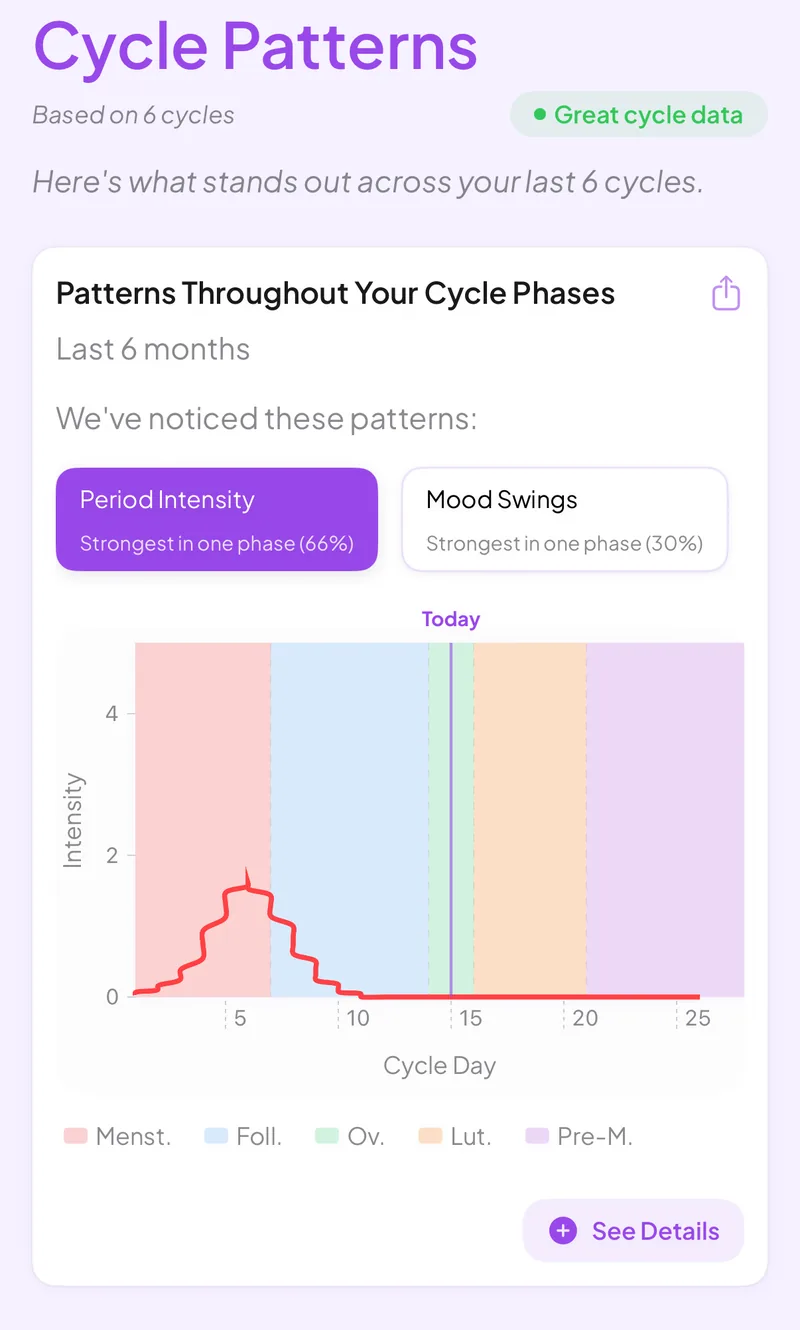
Veya looks for connections in your own logs, like cramps that are worse on days after poor sleep.
Mood, sleep and nutrition
Mood, sleep, nutrition, workouts and symptoms sit on the same timeline as your cycle.
Honest limits
Veya has no big community feed like Flo does. The iOS app is the full experience, the web app covers every other device, and some advanced features are in the paid plan.
See how it all connects
A period calendar tells you when your next period might start. Veya also pulls in sleep, heart rate variability and temperature from your wearable and puts them next to your mood, symptoms and nutrition, then shows where they line up with your cycle phase. Your imported history gives those patterns a head start, and the same record carries on if you later move into trying to conceive, pregnancy or perimenopause.
What you can log
Private by default
Moving your cycle history means handing over sensitive dates. Veya has no ads and does not sell your data, and you can export or delete what you have logged at any time. The screenshot is used to read your period dates, and you review them before they are saved.
Frequently asked questions
Comparing first? See our Flo alternatives and Flo vs Veya pages, or how to choose a period tracker.
Move your cycle history over today
Take a screenshot of your Flo calendar and let Veya read it.
Download VeyaNot on iPhone? Try it in the browser on any device.
Tracking for other conditions
Fertility tracking · Pregnancy tracking · IVF tracking · PCOS tracking · Perimenopause tracking · Cycle syncing · All conditions